Audience #
Salesforce Administrators
Summary #
Searchable works with Salesforce screen and auto-launched flows in a to extend both the Searchable application and
Screen Flow – Advanced Lookups #
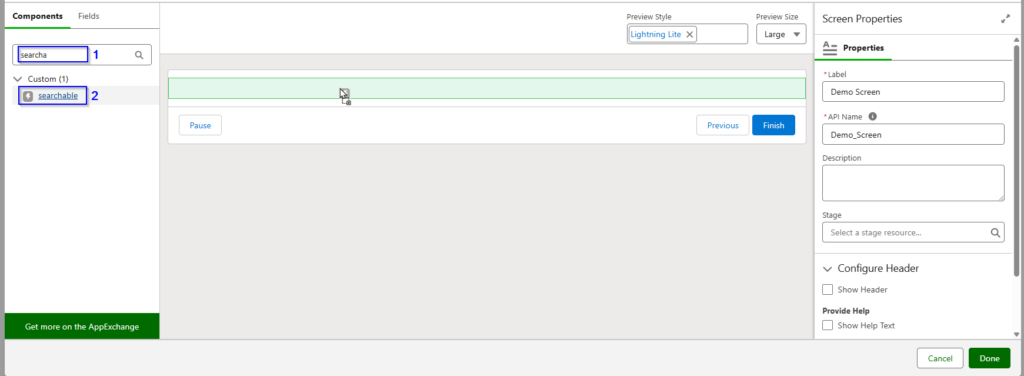
Use the Searchable LWC in your orgs custom flows for complex lookups. For example, your users selection in the flow could be a contact or lead. Or maybe we simply need to exclude inactive records
In this example, our screen flow is being used to activate a debit or credit card which are stored in different objects.
We could use a 2 lookups and a picklist to toggle between the two.
Example use cases:
- User selection could be a contact or lead
Run an Auto-launched Flow in the Background When User Selects Record #
Record launched body


