 Quick Search #
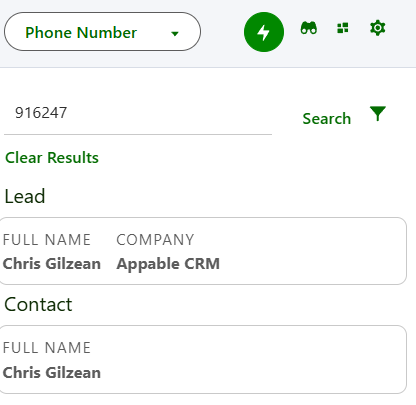
1 input text field searches across multiple objects with 1 search.
Best to quickly search across small – medium size datasets
 Focused Search #
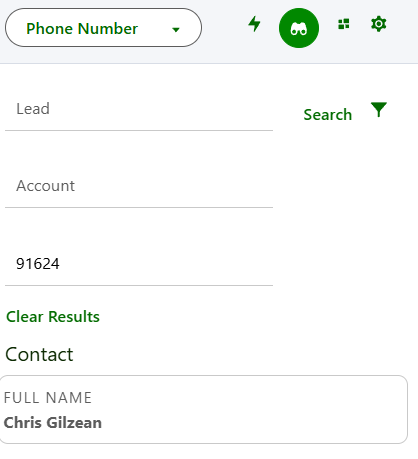
Precise search of only the object you need. 1 text input box for each search object.
 Search Console #
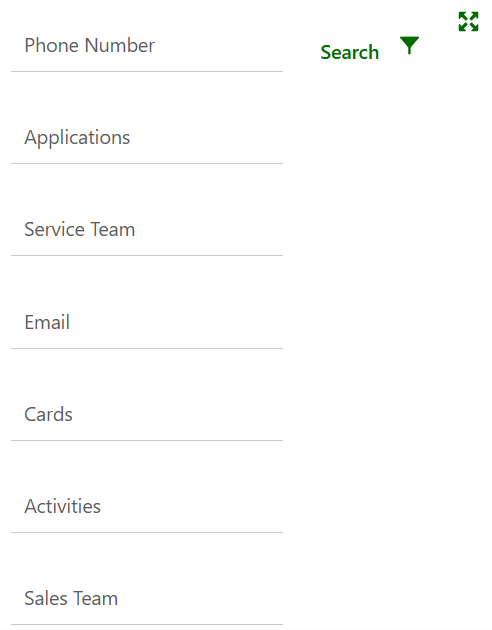
Text box to enter search criteria for each search. Works similar to Quick Search where multiple search objects are returned.
For companies wanting to limit trips to the server, Focused Search mode can be set as the only option.
Use Searchable Admin Setup page in your org or navigate to:
Setup -> Custom Metadata -> Searchable Global Setting
Searchable Global Setting Name: Search_Mode_Default:
Value: ‘Focused’
Searchable Global Setting Name: Allow_user_to_change_Search_Mode
Uncheck active checkbox
If the “Allow User To Change Search Mode” setting is active, the user can toggle by clicking the icons


